
Free LinkedIn Post Preview Tool
See Exactly How Your Posts Will Appear
For creators, marketers, and professionals who want every post to land perfectly. See your formatting, hooks, and structure exactly as your audience will experience them in their feed. No more guessing how your content will look.
Preview your LinkedIn content on desktop and mobile before publishing to maximize engagement and post with confidence.
What Is Free LinkedIn Post Preview Tool?
The Free LinkedIn Post Preview Tool lets you see exactly how your posts will appear in the LinkedIn feed before you publish. Simply paste or type your content into the editor, and instantly view a realistic preview on both desktop and mobile layouts. The tool renders your text, line breaks, emojis, and formatting just as LinkedIn displays them to your audience.
This tool is built for LinkedIn creators, marketers, founders, and professionals who take their content seriously. Whether you're crafting thought leadership posts, promotional updates, or personal stories, previewing helps you catch formatting issues and optimize your hook before your audience sees it.

Why You Need a LinkedIn Post Preview Tool
Posting without previewing is a gamble. See exactly how your content appears so you can optimize for attention, readability, and engagement every time.
Posting without previewing
Formatting surprises after publishing
Line breaks and emojis render differently than expected, making posts look unprofessional to your audience.Hook gets cut off unexpectedly
Important opening lines hide behind "see more," losing reader attention before they engage.Mobile display issues go unnoticed
Posts look great on desktop but become cluttered or hard to read on mobile devices.Errors spotted too late
Awkward spacing or broken formatting only becomes visible after your audience already sees it.
Previewing before posting
Formatting appears exactly as intended
See how line breaks, spacing, and emojis will render so your post looks polished.Hook optimized for maximum visibility
Confirm opening lines appear above the fold to grab attention before readers scroll.Mobile and desktop views confirmed
Preview on both layouts so your content performs across all screen sizes.Errors caught before publishing
Spot formatting quirks and spacing issues before your audience ever sees them.
See your posts exactly as your audience will in seconds
Previewing takes seconds but saves you from formatting mistakes that can hurt engagement, distract readers, and undermine your professional credibility.

Paste or type your post content
Copy your LinkedIn draft from anywhere or type directly into the editor. Your full post content, including emojis and line breaks, is ready for instant preview.

View your desktop preview
See exactly how your post appears on LinkedIn's desktop feed, including line breaks, spacing, and where the "see more" cutoff happens.

Switch to mobile preview
Toggle to mobile view to confirm your post looks great on smaller screens where most LinkedIn browsing happens throughout the day.

Refine and publish with confidence
Adjust your hook, formatting, or spacing based on the preview. Copy your optimized post and publish directly to LinkedIn knowing it looks perfect.
Previewing takes seconds but saves you from formatting mistakes that can hurt engagement, distract readers, and undermine your professional credibility.
Key Features and Benefits
Every feature designed to help you preview, optimize, and publish LinkedIn posts that capture attention and drive meaningful engagement.

Real-time desktop preview
See your post exactly as it appears on LinkedIn's desktop feed layout.

Mobile preview mode
Toggle to mobile view to optimize for where most LinkedIn browsing happens.

"See more" cutoff indicator
Know exactly which lines appear above the fold before readers click expand.

Character and line counter
Track post length and structure to optimize for LinkedIn's display limits.

Emoji and formatting preview
See how emojis, line breaks, and special characters actually render in-feed.
Instant copy to clipboard
Copy your previewed and optimized post with one click to publish immediately.
Versatile Enough for Any Industry or Content Type
From founders to marketers, professionals across industries use post previews to publish content that stands out and drives engagement in the feed.
Founders & CEOs
Preview thought leadership posts to ensure professional formatting and compelling hooks.
Sales Professionals
Ensure outreach posts and personal stories display perfectly to build credibility.
Recruiters and HR Leaders
Preview campaign announcements and product updates for consistent brand presentation.
Marketing Managers
Preview job postings and employer brand content for maximum candidate engagement.

Why Stop at Captions? Scale Your Entire LinkedIn Presence with GrowReach
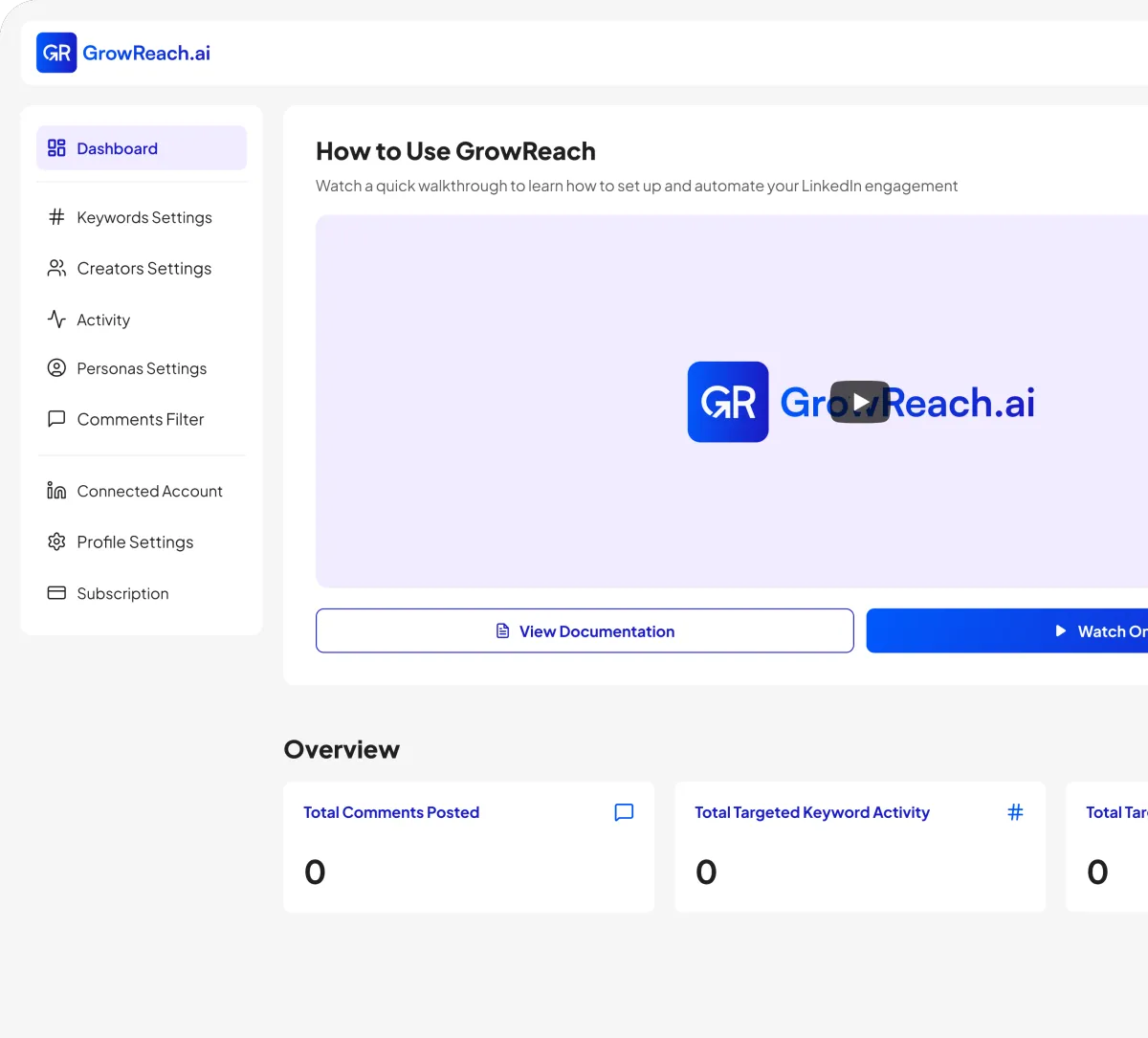
Once your posts look perfect, take your LinkedIn presence further. GrowReach uses AI to automatically engage with relevant posts and creators, building your visibility and connections while you focus on creating great content.
AI-powered commenting that engages your ideal audience automatically
Target specific keywords and creators in your niche
Human-like responses that build genuine connections at scale
Free to try - The missing piece to your LinkedIn strategy
Frequently Asked Questions
Everything you need to know about Free LinkedIn Post Preview Tool
Is the LinkedIn Post Preview Tool really free?
Yes, the preview tool is completely free with no signup required. Use it as often as you need to perfect your posts.
Do I need to create an account to preview my posts?
No login or account is required. Simply paste your content and preview instantly.
How accurate is the preview compared to actual LinkedIn?
Our preview closely mirrors LinkedIn's actual feed display, including line breaks, spacing, emojis, and the "see more" cutoff position.
Can I preview how my post looks on mobile devices?
Yes. Toggle between desktop and mobile views to see how your post appears on different screen sizes.
Does this tool save or store my post content?
No. Your content is processed locally in your browser and never stored on our servers. Your drafts remain completely private.
What is GrowReach and how does it relate to this tool?
GrowReach is our LinkedIn automation platform for AI-powered engagement. The preview tool is a free resource we offer to help the LinkedIn community create better content.

Ready to Transform Your LinkedIn Presence?
Join thousands of professionals who are growing their network and influence with GrowReach. Start your free trial today.
