 GrowReach.ai
Free LinkedIn Profile Picture Frame Generator
Stand Out and Get Noticed
Whether you are job hunting, building your personal brand, or promoting a campaign, a framed profile picture helps you stand out in a crowded feed. This free tool makes it easy for professionals and creators to add polished, customizable frames without any design skills.
Transform your LinkedIn profile photo into an attention grabbing visual that builds credibility and sparks curiosity in seconds.
What is the LinkedIn Profile Picture Frame Generator?
A LinkedIn profile picture frame generator is a free online tool that lets you add customizable frames, borders, and text overlays to your existing profile photo. Simply upload your image, pick a frame style that matches your goal, personalize the message, and download your new profile picture ready to upload.
This tool is perfect for professionals looking to highlight achievements, job seekers wanting to signal availability, creators building personal brands, or anyone promoting a campaign. Instead of hiring a designer or wrestling with complex software, you get a polished, eye catching profile photo in under a minute. No design experience required.

Why Your LinkedIn Photo Needs a Frame
Your profile picture is the first thing people notice. A plain photo blends in with thousands of others. A strategically framed image captures attention, communicates your message instantly, and positions you as a professional worth following.
Blending into the crowd
Generic profile appearance
Your photo looks like everyone else and fails to spark curiosity.Missed branding opportunities
No visual cue communicates your role, campaign, or unique value.Low visibility in feeds
Plain photos get scrolled past without a second glance.Requires design skills
Creating custom visuals means learning complex tools or hiring help.
Standing out instantly
Distinctive visual identity
A framed photo immediately differentiates you from the competition.Clear message communication
Your frame highlights your campaign, status, or personal brand messageHigher profile engagement
Eye catching frames attract more profile views and connection requests.Zero design effort needed
Create professional frames in seconds with no technical skills required.
Create a standout profile photo in four simple steps
No downloads, no signups, no design experience needed. Just upload, customize, and download your new framed LinkedIn profile picture. The entire process takes less than sixty seconds and gives you a professional result every time.

Upload your profile picture
Drag and drop your current LinkedIn photo or any headshot you want to frame into the tool.

Choose your frame style
Browse through themed frame options including hiring, open to work, personal brand, and campaign styles.

Customize your message
Add personalized text to your frame such as your role, achievement, or call to action message.

Download and update LinkedIn
Save your framed profile picture and upload it directly to your LinkedIn profile settings.
A simple frame transforms your LinkedIn presence from forgettable to magnetic, helping you attract the right opportunities effortlessly.
Key Features and Benefits
The LinkedIn Profile Picture Frame Generator combines simplicity with powerful customization options. Every feature is designed to help you create professional, branded profile photos that capture attention and communicate your unique value proposition without requiring any design expertise or expensive software.

Multiple Frame Themes
Choose from hiring, branding, campaign, and achievement focused frame styles.

Custom Text Overlays
Add personalized messages, titles, or calls to action on your frame.

Instant Preview
See real time changes as you customize your frame before downloading.

No Account Required
Start creating immediately without signup, login, or email verification needed.

Mobile Friendly Design
Create and download framed photos from any device, anywhere, anytime.

High Resolution Export
Download crisp, professional quality images optimized for LinkedIn display.
Versatile Enough for Any Industry or Content Type
Professionals across industries use framed profile pictures to stand out. Whether you are actively job searching, promoting a launch, or building thought leadership, a customized frame helps you communicate your story at a glance.
Job Seekers
Signal availability with "Open to Work" or "Hiring Me" themed frames.
Recruiters and HR
Highlight "We're Hiring" frames to attract candidates to open positions.
Coaches and Consultants
Promote personal brand with custom taglines and expertise highlight frames.
Event Speakers
Showcase upcoming speaking engagements with event branded profile frames.

Why Stop at a Great Profile Picture? Amplify Your LinkedIn Presence with GrowReach
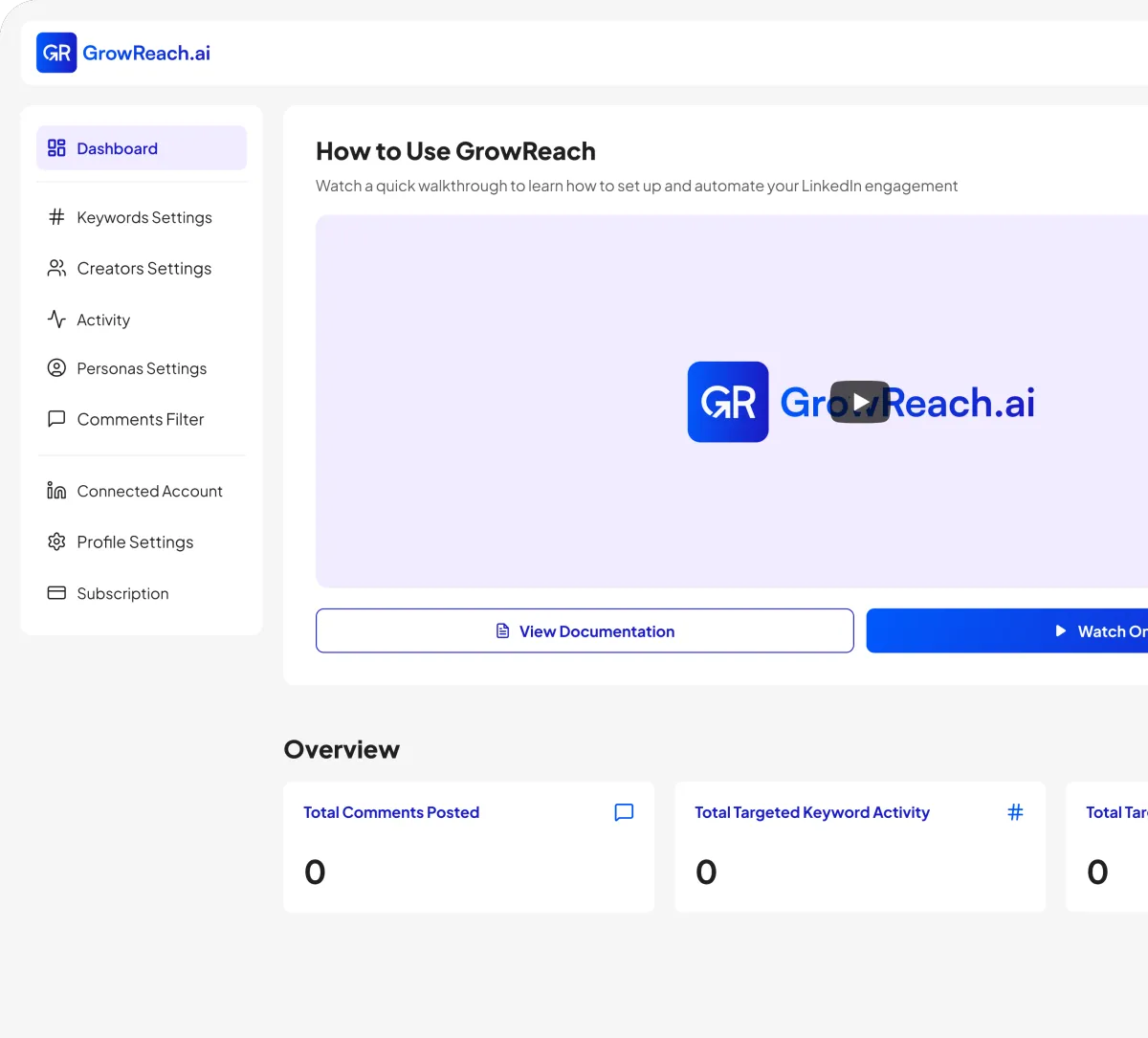
A standout profile picture gets you noticed. But consistent, strategic engagement builds your audience. GrowReach automates authentic LinkedIn comments on targeted posts, helping you stay visible and grow your network on autopilot.
AI-powered commenting that engages your ideal audience automatically
Target specific keywords and creators in your niche
Human-like responses that build genuine connections at scale
Free to try - The missing piece to your LinkedIn strategy
Frequently Asked Questions
Everything you need to know about GrowSocials
Is the LinkedIn profile picture frame generator really free?
Yes, completely free. No hidden fees, no credit card required, and no limits on how many frames you create.
Do I need to create an account to use this tool?
No account or signup needed. Just upload your photo, customize your frame, and download instantly.
What image formats does the generator support?
The tool supports JPG, PNG, and most common image formats for upload and high quality PNG export.
Will the framed image work with LinkedIn's profile picture requirements?
Absolutely. All exports are optimized to meet LinkedIn's recommended profile photo dimensions and quality standards.
How long does it take to create a framed profile picture?
Most users complete their framed photo in under sixty seconds from upload to download.
Is my uploaded photo stored or shared anywhere?
Your privacy matters. Uploaded images are processed locally and not stored on our servers after download.

Ready to get more engagement on LinkedIn?
Boost your posts with real people, auto-comment on other people's posts, and connect with industry leaders. All automatically.