 GrowReach.ai
Free LinkedIn Staircase Text Generator
Transform Posts Into Scroll-Stopping Content
Tired of LinkedIn posts that blend into the feed? Our free staircase text generator helps professionals and creators format content that commands attention. Turn any message into a visually striking, easy-to-read format that guides readers line by line.
Transform plain LinkedIn text into eye-catching staircase posts that hook readers and boost engagement instantly.
What Is LinkedIn Staircase Text Generator?
The Free LinkedIn Staircase Text Generator is an AI-powered formatting tool that automatically restructures your LinkedIn posts into a visually compelling staircase pattern. You paste plain text, the tool analyzes sentence structure and word length, then reorganizes lines to create rhythm and flow. It reorders your exact content for maximum readability without changing your message, meaning your core value proposition stays intact while the visual presentation becomes impossible to ignore.
This tool was built specifically for LinkedIn creators and professionals who understand that how you present content matters as much as what you write. Your audience is time-strapped and scrolling fast. They don't read complete paragraphs anymore—they scan. The staircase format leverages how human eyes actually move across a screen, guiding readers through your message one visual beat at a time, building tension through pattern disruption, and creating cognitive momentum that makes them want to reach the end.

Stop Getting Lost in the LinkedIn Scroll. Format Your Way to More Reads.
LinkedIn engagement doesn't come from longer posts or more hashtags. It comes from posts people can't stop reading. Staircase formatting creates that compulsive-read experience by using visual rhythm and pattern disruption to guide your reader's eyes.
What You're Fighting Against
Wall of text overwhelms readers
Dense paragraphs cause readers to skip your post entirely, losing potential engagement and connection opportunities before they start.Weak hooks get lost in feeds
Your opening lines disappear in standard formatting, making it nearly impossible to grab attention during critical first seconds.
Mobile readability suffers badly
Standard text blocks look cluttered on phone screens, forcing readers to squint and scroll, which kills engagement quickly.Low engagement hurts visibility
LinkedIn's algorithm deprioritizes posts that people scroll past, meaning fewer impressions and missed networking opportunities for you.
What You Get With Staircase Formatting
Clean visual hierarchy attracts eyes
Staircase patterns create natural white space that makes your post feel inviting, professional, and worth stopping to read.Hooks land with maximum impact
Each line builds anticipation, guiding readers through your message one step at a time to your call to action.Perfect mobile optimization built in
Staircase format is designed for thumb-scrolling behavior, ensuring your content looks clean and readable on any device.Higher engagement drives algorithm favor
Posts that hold attention get rewarded with more reach, leading to more likes, comments, and profile visits.
Transform any post into an engagement-boosting format in 60 seconds flat.
You don't need to rewrite anything or understand formatting principles. The tool analyzes your content structure and intelligently reorganizes it for maximum readability while preserving your exact message, tone, and argument.

Write or Paste Your LinkedIn Post
Choose a front facing photo with good lighting where your face is visible. Upload it from your phone, desktop, or cloud storage. A simple neutral background works best for AI enhancement.

Click Generate and See Your Staircase Format
The tool instantly analyzes your text, restructures line lengths, and creates a staircase pattern optimized for LinkedIn's visual environment. You'll see the before and after side by side in the preview window for comparison.

Review and Copy Your Formatted Post
Review the generated staircase format to ensure it captures your message and tone. One-click copying lets you grab the formatted text and paste it directly into your LinkedIn post composer without any additional steps.

Post and Watch Your Engagement Climb
Publish your staircase-formatted post to LinkedIn and monitor how engagement metrics compare to your plain-text posts. Most users see measurable increases in saves, shares, and comment rates within their first three formatted posts.
Strong LinkedIn engagement comes from posts that feel easy to read and impossible to skip—that's exactly what staircase formatting delivers.
Key Features & Benefits
The Free LinkedIn Staircase Text Generator combines simple design with intelligent formatting technology. Every feature was built to solve one specific problem: making LinkedIn content impossible to skip. No complexity, no learning curve, no compromise on results.

Instant Staircase Conversion
Transform any text into perfectly formatted staircase posts with one click. No manual formatting required.

One-Click Copy Function
Copy your formatted text instantly to clipboard, ready to paste directly into LinkedIn's composer.

Mobile-Optimized Output
Every staircase format is designed to look perfect on mobile devices where most LinkedIn browsing happens.

Unlimited Free Usage
Generate as many staircase posts as you need with no daily limits, no signup required, completely free.

Real-Time Preview
See exactly how your formatted text will appear before copying, eliminating guesswork and formatting errors.

Clean, Distraction-Free Interface
Simple tool design means faster formatting without navigating confusing menus or unnecessary options.
Versatile Enough for Any Industry or Content Type
LinkedIn staircase formatting works across industries and content types. Whether you are building a personal brand, generating leads, or sharing expertise, the staircase format helps your message land with more impact.
Thought Leaders and Coaches
Create attention-grabbing prospecting posts that stand out in feeds and generate inbound leads naturally.
B2B Sales Professionals
Create attention-grabbing prospecting posts that stand out in feeds and generate inbound leads naturally.
Recruiters and HR Professionals
Format job postings and company culture content to attract top talent with visually appealing posts.
Founders and Entrepreneurs
Tell startup stories and announce milestones using formatting that captures investor and customer attention.

Why Stop at Formatting? Amplify Your LinkedIn Impact with GrowReach
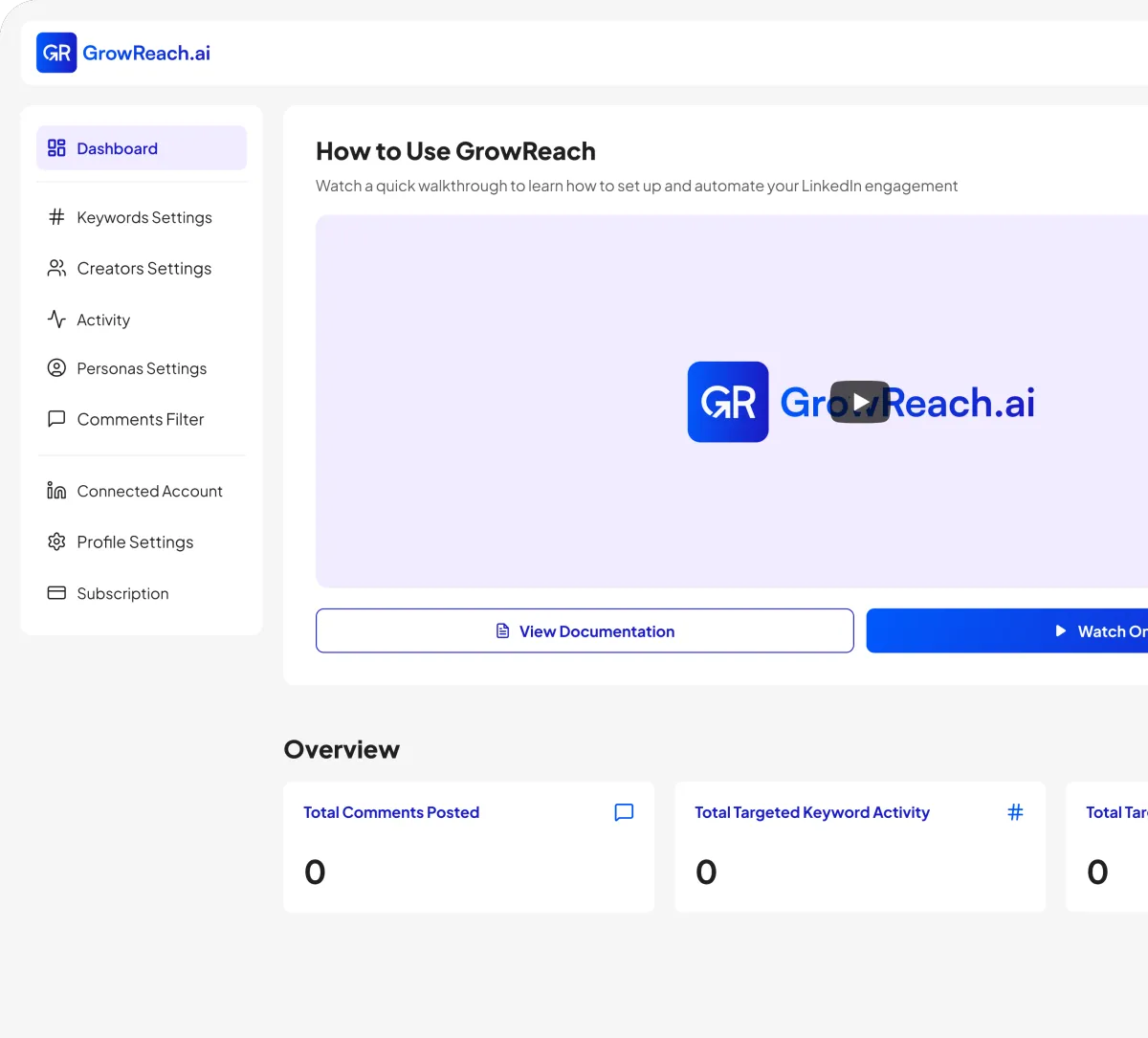
Great posts deserve great visibility. GrowReach takes your LinkedIn strategy beyond formatting by automating authentic engagement with your target audience.
AI-powered commenting that engages your ideal audience automatically
Target specific keywords and creators in your niche
Human-like responses that build genuine connections at scale
Free to try - The missing piece to your LinkedIn strategy
Frequently Asked Questions
Everything you need to know about Free LinkedIn Post Generator
Is the Free LinkedIn Profile Picture Generator really free to use?
Yes. You can generate LinkedIn profile pictures for free without entering a credit card. Some advanced GrowReach features are part of the paid subscription.
What kind of photo should I upload for the best results?
Use a clear, front facing photo with good lighting and your face fully visible. Avoid heavy filters or very dark backgrounds for the best AI enhancement quality.
Will my AI generated LinkedIn headshot look fake or unrealistic?
The generator is designed to enhance, not distort. It improves lighting, clarity, and background while keeping your natural appearance. It should still look like you, just more professional.
How long does it take to create a professional LinkedIn profile picture?
Most generations complete in under a minute. In the time it takes to refresh your feed, you can have multiple LinkedIn ready headshots downloaded.
Is my photo data secure when I upload images?
Photos are processed securely and handled only for generating your headshots. They are not reused for other purposes. Follow your internal policy to clearly display retention and deletion terms.
Do I need to create an account before I try the tool?
You can start using the free LinkedIn profile picture generator without creating an account. Email signup is optional and mainly used for sharing tips and GrowReach updates.

Ready to Transform Your LinkedIn Presence?
Join thousands of professionals who are growing their network and influence with GrowReach. Start your free trial today.