 GrowReach.ai
Free LinkedIn QR Code Generator
Share Your Profile Instantly
Perfect for professionals, founders, sales teams, and event attendees who want to eliminate friction when sharing their LinkedIn profile. Whether you're networking at conferences, updating your resume, or sharing at events, your QR code connects people directly to your profile with a single scan.
Transform how you network. Generate a professional LinkedIn QR code in seconds. No signup required to get started.
What is the LinkedIn QR code generator?
The Free LinkedIn QR Code Generator is a simple yet powerful tool that converts your LinkedIn profile URL into a scannable QR code in seconds. Instead of sharing long profile links or manually typing names into the search bar, generate a clean, professional QR code that connects people directly to your LinkedIn profile instantly. The tool is free to use, requires no signup, and works across all devices and mobile phones.
This tool is designed for any professional who networks regularly. Whether you're a recruiter attending job fairs, a founder pitching at events, a sales professional meeting prospects, or a job seeker attending interviews, the QR code eliminates friction from profile sharing. Add it to your resume, business cards, portfolio, presentations, or printed materials. When people scan your code, they land on your profile instantly without typing, searching, or navigating.

Stop Losing Connections to Friction
Networking shouldn't require typing long URLs or manually searching for profiles. Your QR code connects people to you instantly, increasing visibility and eliminating missed opportunities.
The old way
Manual Profile Sharing
Sharing your LinkedIn profile requires typing long URLs, memorizing your name spelling, or waiting for search results. People forget or make mistakes during the process.Missed Networking Moments
At events and conferences, manual profile sharing creates friction that causes people to delay connecting or skip the process entirely, leaving opportunities on the table.Unclear Profile Links
Printed LinkedIn URLs on business cards look cluttered, take up valuable space, and people rarely type them manually.Inefficient Event Follow-Up
Without a quick sharing mechanism, event attendees struggle to remember who you are or how to find you later, weakening your networking ROI and professional visibility.
The better way
Instant Profile Access
Your QR code eliminates typing entirely. One scan connects people directly to your full LinkedIn profile, enabling immediate professional visibility & reducing sharing friction.Networking Without Barriers
At events and networking functions, your QR code removes friction and increases connection rates. Attendees scan, connect instantly, and remember you.Professional QR Design
A clean QR code takes minimal space on business cards, resumes, and printed materials while appearing modern and professional.Increased Connection Rates
Easier sharing means more people connect with you. QR codes lead to higher engagement, more profile views, and stronger networking outcomes across all channels & events.
From profile URL to scannable QR code in under 30 seconds
Creating your custom LinkedIn QR code takes just four simple steps. No signup required and no technical knowledge needed. Generate and download your code instantly, ready for your business cards, resume, or next networking event.

Paste your LinkedIn URL
Copy your LinkedIn profile link and paste it into the input field. Use your public profile URL for the best scanning results.

Customize your QR design
Choose your preferred colors and style to match your personal brand. Preview all changes in real time before downloading.

Generate your QR code
Click the generate button to create your unique LinkedIn QR code. The preview updates instantly for your review.

Download and share
Download your QR code as a high-quality image file. Add it to business cards, resumes, presentations, or portfolios.
QR codes convert networking friction into instant connections. Scan, connect, grow.
Key Features and Benefits
Our free LinkedIn QR code generator is designed for speed, simplicity, and professional results. Every feature focuses on getting you connected faster, whether you are networking at conferences, updating marketing materials, or building your personal brand across multiple touchpoints.

Instant QR Generation
Create your LinkedIn QR code in seconds with zero wait time.

High-Resolution Downloads
Download crisp, print-ready images that look sharp on any material.

Custom Color Options
Match your QR code colors to your brand identity or preferences.

No Account Required
Generate and download QR codes without signing up or logging in.

Mobile-Friendly Scanning
QR codes work seamlessly with any smartphone camera or scanning app.

Free Forever
Core QR code generation features remain completely free, no hidden costs.
Versatile Enough for Any Industry or Content Type
LinkedIn QR codes work across industries and scenarios wherever professional networking happens. From conference halls to coffee meetings, these codes make sharing your profile instant and memorable for everyone involved.
Sales Professionals
Add QR codes to proposals and follow-up materials for instant prospect connections.
Job Seekers
Include on resumes and portfolios so recruiters can view your full profile.
Event Attendees
Display on name badges or lanyards for effortless networking at conferences.
Founders and Executives
Print on business cards to streamline investor and partner introductions quickly.

Why Stop at a QR Code? Grow Your LinkedIn Presence with GrowReach
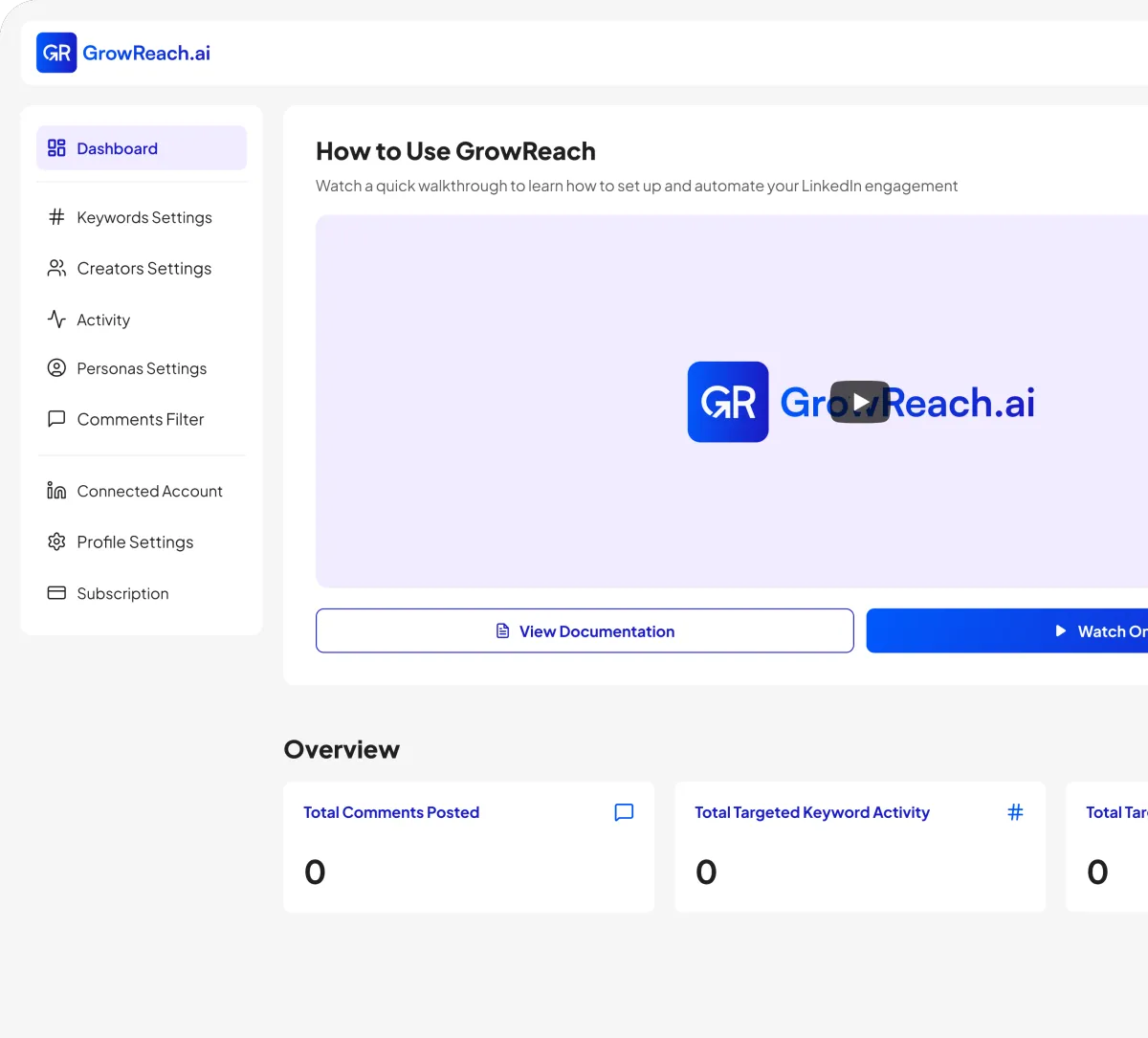
Your QR code gets people to your profile. GrowReach helps you stay visible and engaged across LinkedIn automatically, turning passive profile viewers into active connections.
AI-powered commenting that engages your ideal audience automatically
Target specific keywords and creators in your niche
Human-like responses that build genuine connections at scale
Free to try - The missing piece to your LinkedIn strategy
Frequently Asked Questions
Everything you need to know about Free LinkedIn QR Code Generator
Is the LinkedIn QR code generator really free?
Yes, creating and downloading your LinkedIn QR code is completely free with no hidden fees or subscriptions required.
Do I need to create an account to use this tool?
No account is needed. Simply paste your LinkedIn URL, generate your code, and download it instantly.
What file format will my QR code download in?
Your QR code downloads as a high-resolution PNG image, perfect for both digital and print use.
Can I customize the colors of my QR code?
Absolutely. You can choose custom colors to match your brand, resume design, or business card style.
Can I use this QR code on printed materials?
Yes, the high-resolution download works great on business cards, resumes, brochures, presentations, and event materials.

Ready to get more engagement on LinkedIn?
Boost your posts with real people, auto-comment on other people's posts, and connect with industry leaders. All automatically.