 GrowReach.ai
Free LinkedIn Video Downloader
Download & Save Videos in Seconds
This tool helps you download any public LinkedIn video in seconds. Designed for professionals, creators, and marketers who want fast access, offline learning, and content repurposing without hassle.
Download videos instantly in HD and reuse them for learning, content, or insights.
LinkedIn Video Downloader
What is the free LinkedIn Video Downloader?
Free LinkedIn Video Downloader lets you download any publicly available LinkedIn video quickly and in high quality. You simply paste the link, and the tool fetches the video directly from LinkedIn’s servers while maintaining clarity and resolution. It eliminates manual screen-recording or unsafe third-party workarounds, offering a smooth, secure, and reliable experience.
The tool is ideal for professionals, creators, and marketers who want offline access to training clips, industry insights, interviews, and thought-leadership content. Whether you're studying a talk, building a content library, or sharing clips within your team, this downloader helps you save time and stay organized. It supports fast workflows for anyone who wants LinkedIn video content without friction.

Why Writing a Strong LinkedIn Summary Is Hard Without the Right Support
LinkedIn's algorithm prioritizes keyword-rich profiles that signal professional relevance. Without optimization, your profile gets buried. Our free generator solves this instantly.
Without Optimization
Low-quality screen captures
Screen recordings reduce quality and waste time. They often include noise, pauses, or unwanted on-screen elements that make videos unusable.Unreliable third-party tools
Many tools add watermarks, display intrusive ads, or require registration before downloading. These create friction and slow down professionals who need clean video files.Inefficient content workflows
Teams waste time collecting videos because tools break, show ads, or require multiple steps. This delays learning, content planning, and internal knowledge sharing.
With Free LinkedIn Summary Generator
High-quality output
Save crisp, watermark-free videos ready for presentations, content reuse, or offline study without quality loss.Safe and stable tool experience
GrowReach ensures secure processing so you get consistent, clean downloads without pop-ups, ads, or storage of your data.Smooth content management
You can save videos neatly for offline access, team learning, and content libraries without repeated steps or interruptions.
Start downloading LinkedIn videos in under 60 seconds - no account required
A quick, no-registration process to get LinkedIn videos instantly. These steps help you download any public LinkedIn video in high quality with zero interruptions. No signup or ads get in the way.

Copy the LinkedIn Video URL
Open LinkedIn in your browser, find the video you want to save, click the three dots (⋯) in the upper-right corner of the post, and select "Copy link to post" from the dropdown menu.

Paste the URL in the Downloader
Navigate to our Free LinkedIn Video Downloader website, paste the video link you copied into the input field at the top of the page, and prepare to download your content instantly.
Paste the URL in the Downloader
Navigate to our Free LinkedIn Video Downloader website, paste the video link you copied into the input field at the top of the page, and prepare to download your content instantly.

Click Download & Save to Your Device
Hit the "Download" button and your video saves instantly in high-quality MP4 format to your device's default download folder. No waiting, no compression, no quality loss—just immediate access to your content.
Key Features and Benefits
Each feature helps you create a polished LinkedIn summary that improves visibility, strengthens personal branding, and communicates your strengths effectively.

Instant HD Downloads
Save LinkedIn videos in high clarity without compression or delays.

No Ads or Registration
Start downloading immediately without pop-ups, signups, or interruptions.

Watermark-Free Videos
All downloaded files remain clean, clear, and ready for reuse.

Secure Link Processing
Your links are processed safely without storing or tracking data.

Mobile and Desktop Friendly
Use the downloader comfortably across devices.

Fast Processing Speed
Fetches videos within seconds for a more productive workflow.
Versatile Enough for Any Industry or Content Type
This tool supports real professionals across industries who depend on fast video access for learning, insights, and content operations.
Marketing & Sales Professionals
Capture case studies, pitch frameworks, and customer testimonials to analyze, learn from, and reference in campaigns.
Content Creators & Influencers
Download trending videos to study engagement patterns, editing techniques, and storytelling approaches that drive viral reach.
Product & UX Designers
Save demos, design critiques, and portfolio walkthrough videos to study visual trends and refine your craft.
Business Leaders & Entrepreneurs
Download leadership talks, strategy sessions, and startup insights to build your executive knowledge library.

Why Stop at Just Optimized Summary? Unlock More Growth with GrowReach
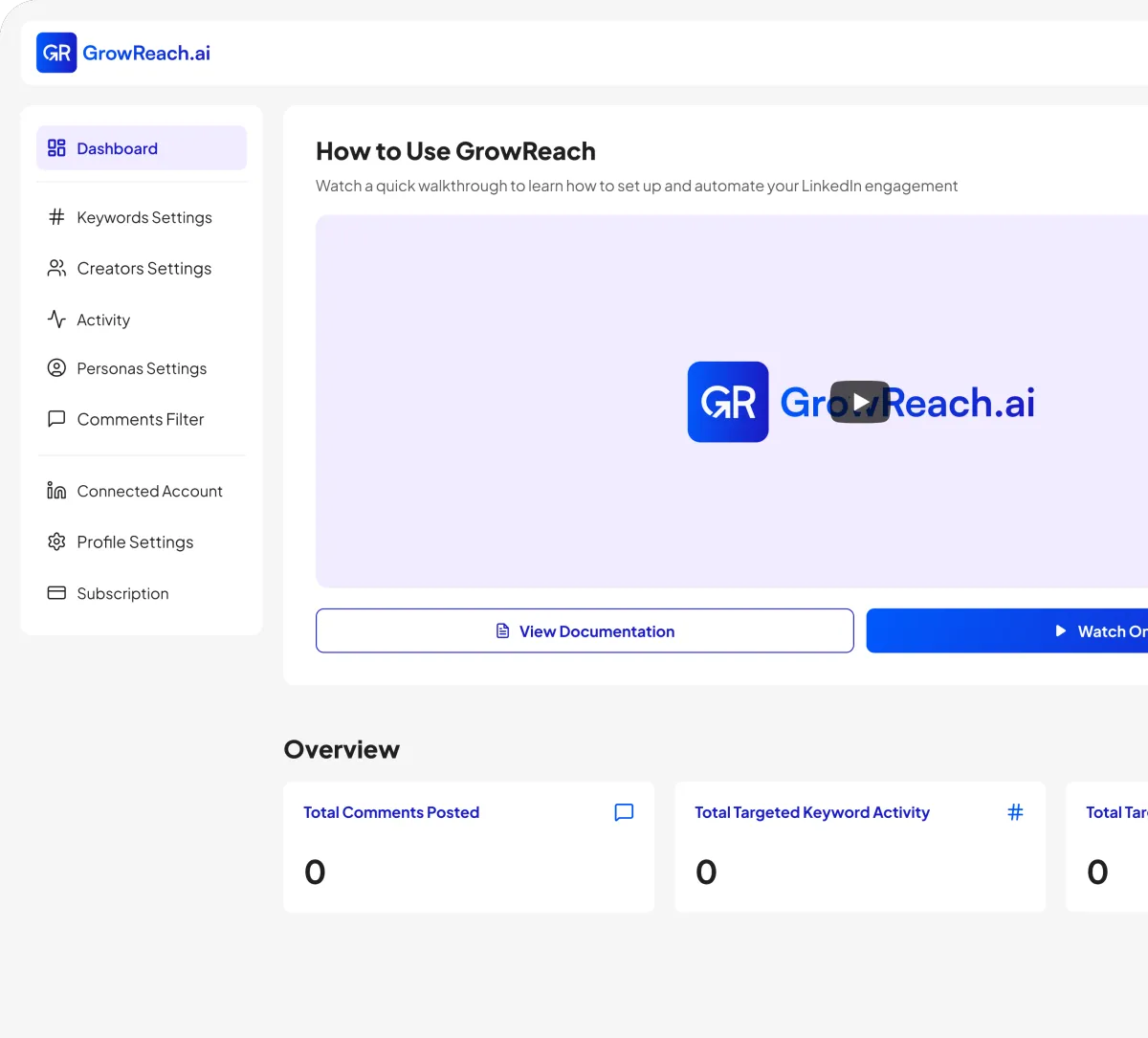
A great summary is just the beginning. GrowReach's full automation platform combines your optimized profile with AI-powered engagement to turn LinkedIn into your personal growth machine.
Automated LinkedIn commenting with AI level context awareness
Keyword and creator based engagement engine
Higher engagement and profile visits through consistent activity
Free to try - The missing piece to your LinkedIn strategy
Frequently Asked Questions
Everything you need to know about GrowSocials
Is the GrowReach Free LinkedIn Banner Maker truly free?
Yes. You can design and download a professional banner instantly without creating an account. Optionally join the email list or upgrade to GrowReach for automation later.
Do I need design skills or software to use this?
No. The free LinkedIn banner maker runs in your browser with pre-built layouts—you only adjust text and colors. No design background or external tools required.
What kind of recommendations will I receive?
You'll get specific suggestions for keyword optimization, headline improvements, summary enhancements, skills to add, and sections to complete—all personalized to your industry and goals.
Can I upload my photo or logo?
Absolutely. You can add images to personalize your banner while retaining a clean, structured design.
Is GrowReach safe and compliant with LinkedIn's policies?
GrowReach is designed with activity limits, realistic engagement patterns, and genuine interaction focus to help you stay within LinkedIn's guidelines while scaling your presence safely.
How does this connect to GrowReach's paid automation?
Once your profile looks polished, GrowReach helps you stay visible by automatically posting contextual, AI-generated comments on targeted posts, driving consistent profile views and conversations.

Ready to get more engagement on LinkedIn?
Boost your posts with real people, auto-comment on other people's posts, and connect with industry leaders. All automatically.