 GrowReach.ai
Free LinkedIn Text Formatter
Format Posts for Maximum Engagement
Your LinkedIn post has 3 seconds to capture attention. Don't waste it on plain walls of text. Our free formatter instantly structures your content with strategic spacing, bold emphasis, and professional formatting that increases readability by 3x and engagement by up to 50%.
Transform plain text into compelling, easy-to-read posts that stop the scroll in seconds.
What Is Free LinkedIn Text Formatter?
The Free LinkedIn Text Formatter is a simple yet powerful tool designed to transform plain text into professionally formatted LinkedIn posts in seconds. Simply paste your raw content into the formatter, and AI technology analyzes your text structure, suggests optimal formatting placements for hooks, lists, emphasis, and spacing. The tool applies strategic bold text, italics, line breaks, and symbol-based bullets to enhance readability while maintaining LinkedIn compliance standards. No rewriting. No redesigning. Just instant formatting that makes your existing content perform better.
This tool is built for busy professionals: founders, marketers, content creators, and LinkedIn creators who understand that formatting impacts engagement but don't have time to manually structure every post. Whether you're sharing thought leadership, case studies, tips, or personal stories, the formatter adapts to your content type and applies proven formatting patterns used by top-performing creators. Your message stays the same. Your impact multiplies.

Why Your LinkedIn Posts Need Better Formatting
Your content's impact isn't just about what you say. It's about how you present it. Proper formatting increases scannability by 3x, engagement by 50%, and reader retention significantly higher than plain text posts.
Unformatted posts lose readers
Walls of text overwhelm
Dense paragraphs cause readers to scroll past before finishing your first line.Key points get buried
Important messages disappear inside text blocks where nobody takes time to find them.Engagement drops off fast
Readers lose interest in seconds when content looks too difficult to consume.Manual formatting wastes time
Adding spacing and structure by hand slows your content creation workflow significantly.
Formatted posts capture attention
Clean spacing guides eyes
Strategic line breaks make posts easy to read from start to finish.Key points stand out
Emphasis formatting helps important messages grab attention exactly where you need.
Readers stay engaged longer
Scannable content keeps people reading instead of bouncing to another post.Format posts in seconds
Paste text and get polished formatting instantly without any manual adjustments.
From draft to polished post in 4 simple steps
Format your best content in under 2 minutes and watch engagement transform. The process is simple, fast, and requires zero technical skills. We handle the formatting intelligence so you focus on your message.

Paste your draft text
Copy your unformatted LinkedIn post content and paste it into the input field. The tool accepts any length of text you want to format.

Choose your formatting style
Select from spacing options, bullet styles, and emphasis formats. Preview different looks to find what matches your content and voice best.

Preview and refine your formatting
Check how your formatted post looks in the preview area. Adjust spacing, emphasis, or bullet styles until it matches your vision perfectly.

Copy and post to LinkedIn
Click the copy button to grab your formatted text instantly. Paste it directly into LinkedIn and publish your clean, readable post.
Formatting isn't cosmetic. Formatted posts get 50% more engagement, reach audiences 3x more effectively, and build stronger professional perception than plain text alternatives.
Key Features & Benefits
The Free LinkedIn Job Scraper combines speed, accuracy, and simplicity to eliminate the friction from job searching. Here's what makes it powerful for thousands of professionals accelerating their careers.

One-click formatting
Transform plain text into structured posts with a single click.

Smart line spacing
Automatically add breathing room between sentences and paragraphs for scanning.
Bullet and list styles
Convert text into clean bullet points and numbered lists instantly.

LinkedIn-safe characters
Use formatting symbols that display correctly on all devices and platforms.

No signup required
Start formatting immediately without creating an account or entering email.

Copy with one click
Grab your formatted text instantly and paste directly into LinkedIn.
Versatile Enough for Any Industry or Content Type
The Free LinkedIn Text Formatter works across every professional industry and content category. See how different roles maximize the tool's power.
Founders & CEOs
Share company updates and thought leadership posts in clean, scannable formats.
Sales professionals
Format outreach posts and success stories that prospects actually read and engage with.
Content marketers
Structure promotional posts and educational content for better engagement and reach.
Recruiters & HR leaders
Format job postings and company culture posts that attract top talent.


Why Stop at Formatting? Scale Your LinkedIn Presence with GrowReach
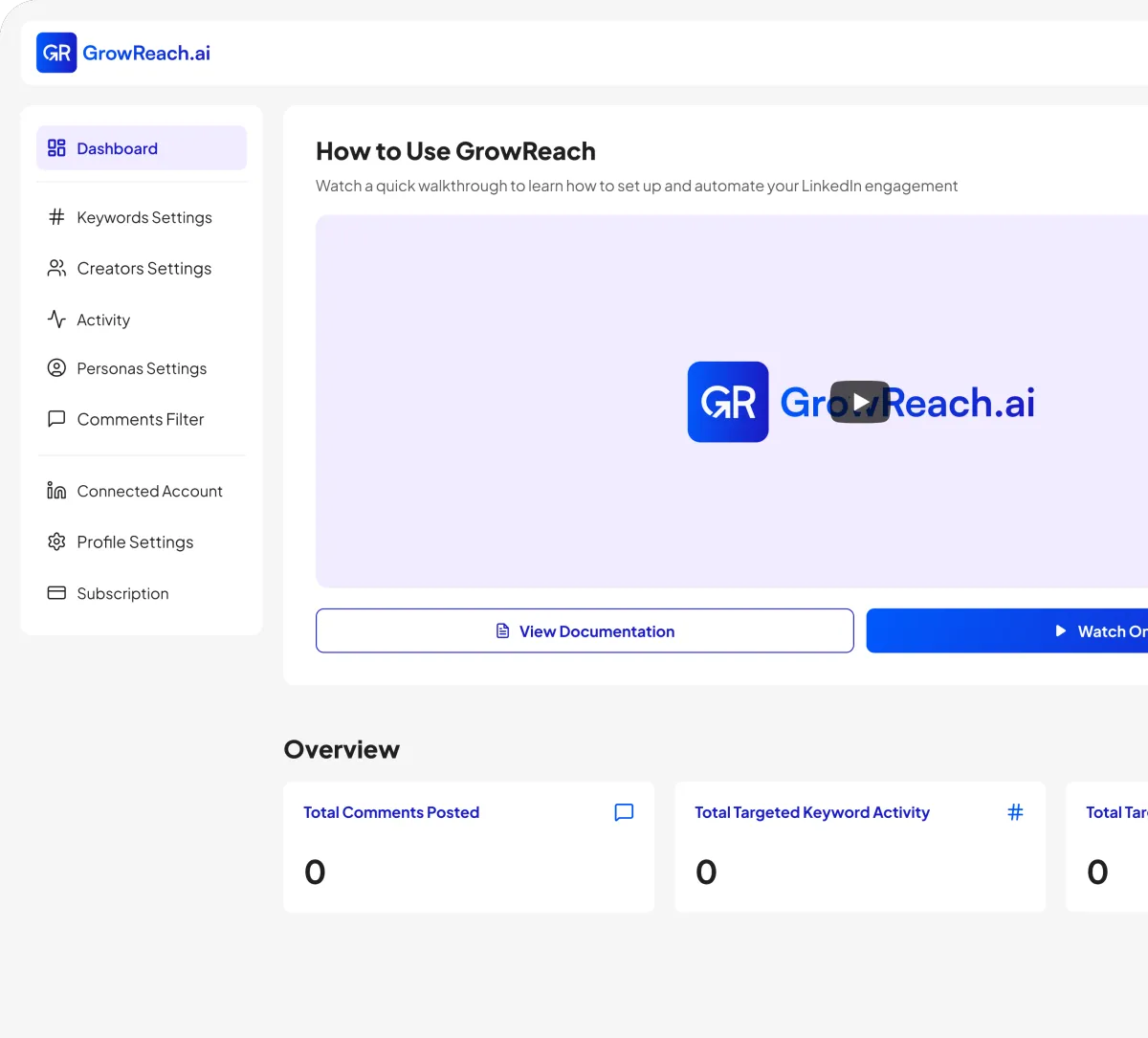
Great formatting gets your posts read. GrowReach helps you grow your audience by automatically engaging with the right people using AI-powered comments that sound completely human.
AI-powered commenting that engages your ideal audience automatically
Target specific keywords and creators in your niche
Human-like responses that build genuine connections at scale
Free to try - The missing piece to your LinkedIn strategy
Frequently Asked Questions
Everything you need to know about GrowSocials
Is the LinkedIn text formatter really free?
Yes, the tool is completely free to use with no hidden costs. Format as many posts as you need without signing up or paying anything.
Do I need to create an account to use this tool?
No account required. Just paste your text, format it, and copy the result. You can start using it immediately.
Will the formatted text work on LinkedIn mobile and desktop?
Yes. The formatter uses LinkedIn-safe characters that display correctly on all devices, browsers, and the LinkedIn app.
Can I format long-form posts and articles?
Absolutely. The tool handles any length of text, from short updates to longer thought leadership posts and articles.
What formatting options are available?
You can add line spacing, bullet points, numbered lists, and emphasis styling to structure your content clearly.
How is GrowReach different from this free tool?
GrowReach is a paid platform for automated LinkedIn engagement. It uses AI to comment on posts based on your target keywords and creators.

Ready to Transform Your LinkedIn Presence?
Join thousands of professionals who are growing their network and influence with GrowReach. Start your free trial today.